 Fast Digital Product
Best Digital Product Creation Tools for Creators
Compare the best digital product creation tools for ebooks, templates, courses, audio, and sales. Find a tool that fits your product and workflow.

The best digital product creation tools help you turn an idea into something people can buy, without making you piece together every step yourself. Here are 10 options for different products and workflows, starting with Fast Digital Product and its buyer research, product writing, sales page, and checkout tools. Our digital product creator resources can help you plan what to make, too.
Table of Contents
- Fast Digital Product
- Canva: for printables, ebook covers, and template packs
- Thinkific: for hosted course and cohort delivery
- Teachable: for independent online course creators
- Kajabi: for an end-to-end creator publishing pipeline
- Notion AI: for building and refining Notion templates
- Descript: for video courses and audio-led lessons
- ElevenLabs: for short audio add-ons
- tellnsell: for quick AI-assisted store and checkout setup
- MiloTree: for product idea discovery and guided creation
- Digital product creation tools compared
- A quick workflow for creating and selling a digital product
- What to compare before picking a tool
- Frequently asked questions
- Conclusion
1. Fast Digital Product
Fast Digital Product is a self-serve platform for researching buyer demand, making a digital product, and preparing it for sale. It’s a strong fit for creators who want to move from an idea to a sales page and checkout without setting up separate tools for each part.
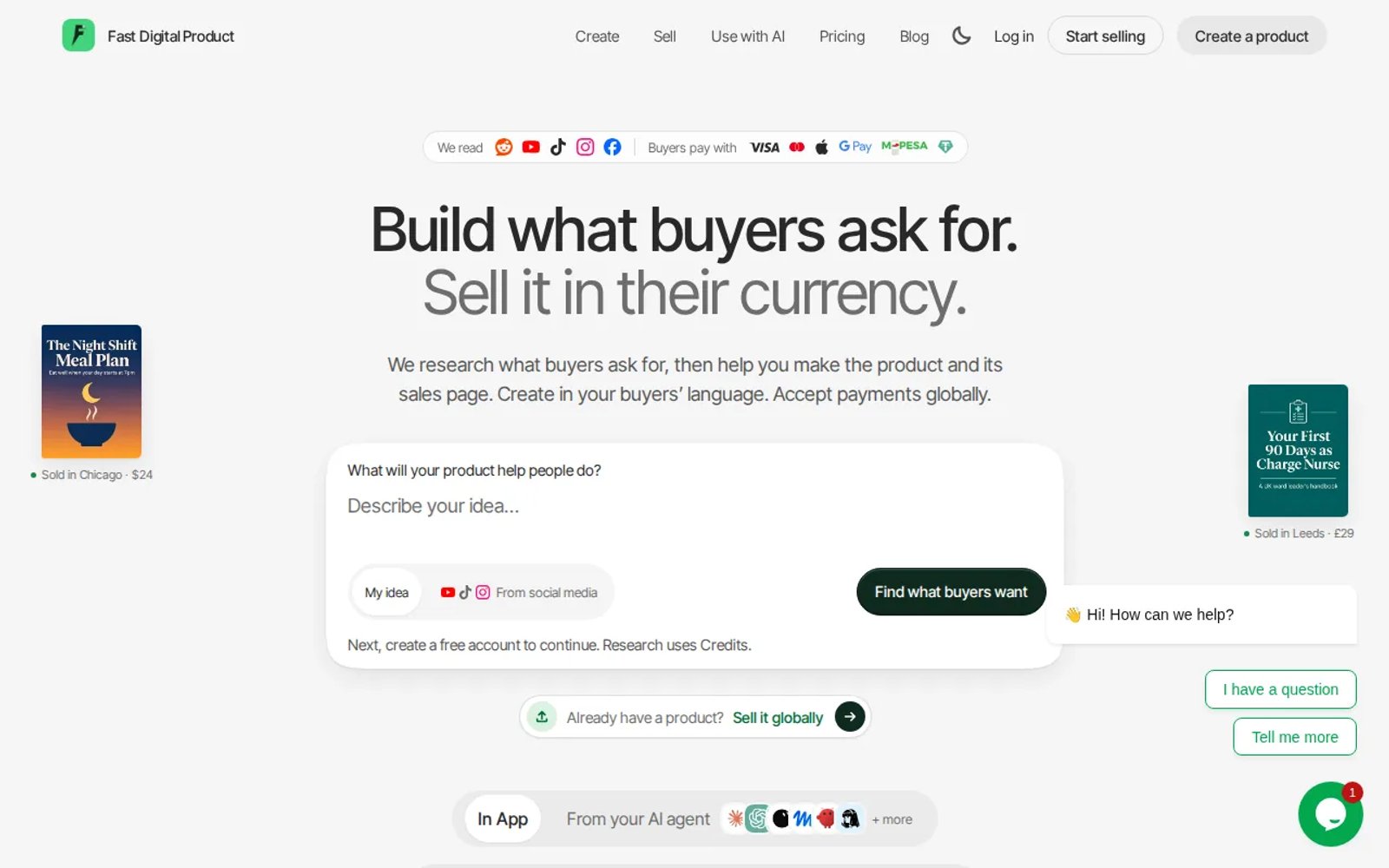
You can use it to explore buyer demand, write product content, and build a sales page. Creators can also look for product ideas in their own social content and audience comments. That makes it a useful starting point when you have followers but aren’t sure which problem they’d pay to solve.
Buyer research, offers, full sales pages, and product writing use Credits. The platform shows the cost before each build. Edits and downloads are free. Credits bought in a pack don’t expire. On a plan, unused credits roll over for one month. The site also shows prices to buyers in their local currency, with payment processor fees taken from sales.
If speed matters, the main advantage is having a sales page and checkout ready as part of the product workflow. You can start by checking demand, then shape the offer around what buyers already ask for. It’s a sensible first stop for a creator who wants to test a guide, ebook, or lead magnet idea before spending time on a large course.
2. Canva: for printables, ebook covers, and template packs
Canva is a design tool for making printables, ebook covers, social media bundles, and Canva template packs. It suits creators who want to make a polished visual product without starting with a blank page or hiring a designer.
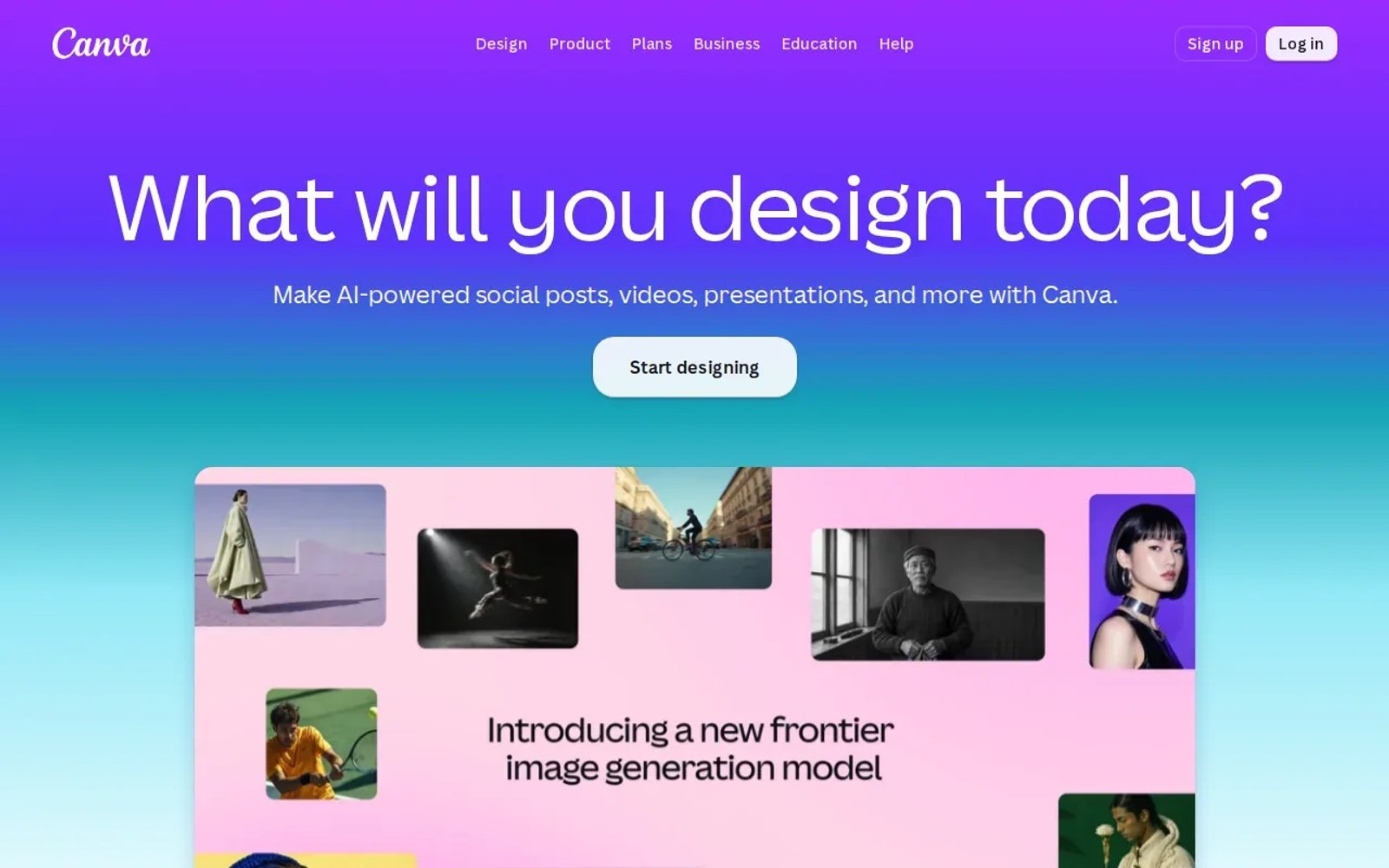
Use it to lay out an ebook, design a printable workbook, or make a pack of editable social posts. The key distinction is that Canva helps you design the product, while a separate store or sales platform may handle payment and delivery. Plan those parts before you publish.
Pay close attention to the content license if you plan to sell your work.
Before listing a template, check that the work adds your own design effort and that the delivery format follows the license terms. Canva is a good fit when the visual design is the product. If your main need is validating an idea or taking payment, pair it with a sales and checkout tool.
3. Thinkific: for hosted course and cohort delivery
Thinkific turns course or cohort plans into a learning portal with enrollment, payments, and content delivery tools. It’s a fit for training teams or creators who want a place to publish lessons and manage learner access.
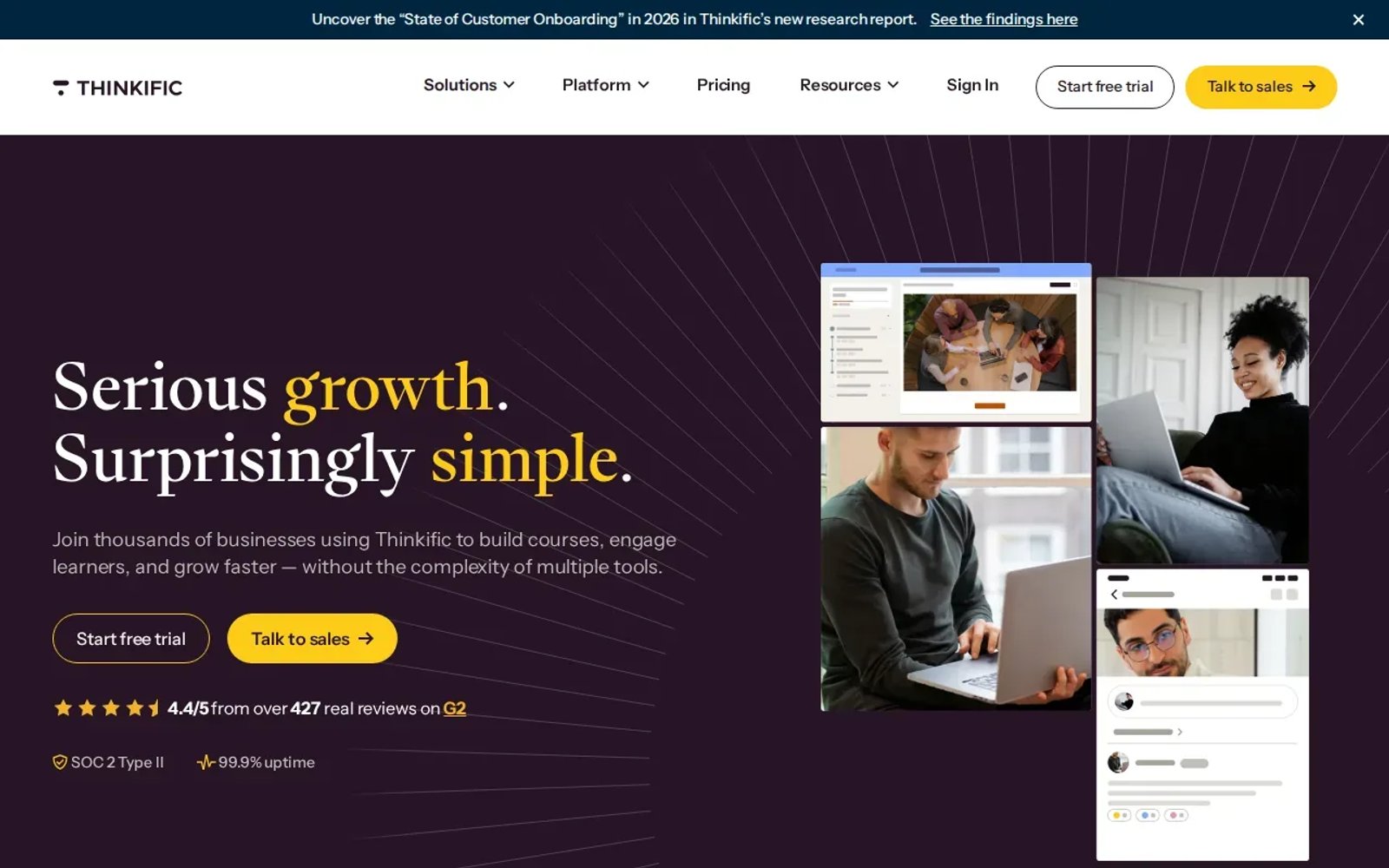
A course portal is useful when the product has lessons that learners should follow in order. It gives the content a home beyond a downloadable file. Thinkific also has hosted checkout and order pages, so the enrollment path can sit alongside the course itself.
Think through the learning experience before you upload material. A short cohort may need a clear lesson path and a defined enrollment window. A self-paced course may need more context around each lesson so learners can make progress without live guidance.
Thinkific is the most direct match in this list when course delivery is the core job. For a simple ebook or printable, a full learning portal may be more structure than you need. Pick it when learners need ongoing access to organized course material.
4. Teachable: for independent online course creators
Teachable is an all-in-one platform for experts and businesses selling online courses, coaching, memberships, and digital downloads. It’s best suited to independent course creators who want their teaching material to be the product.
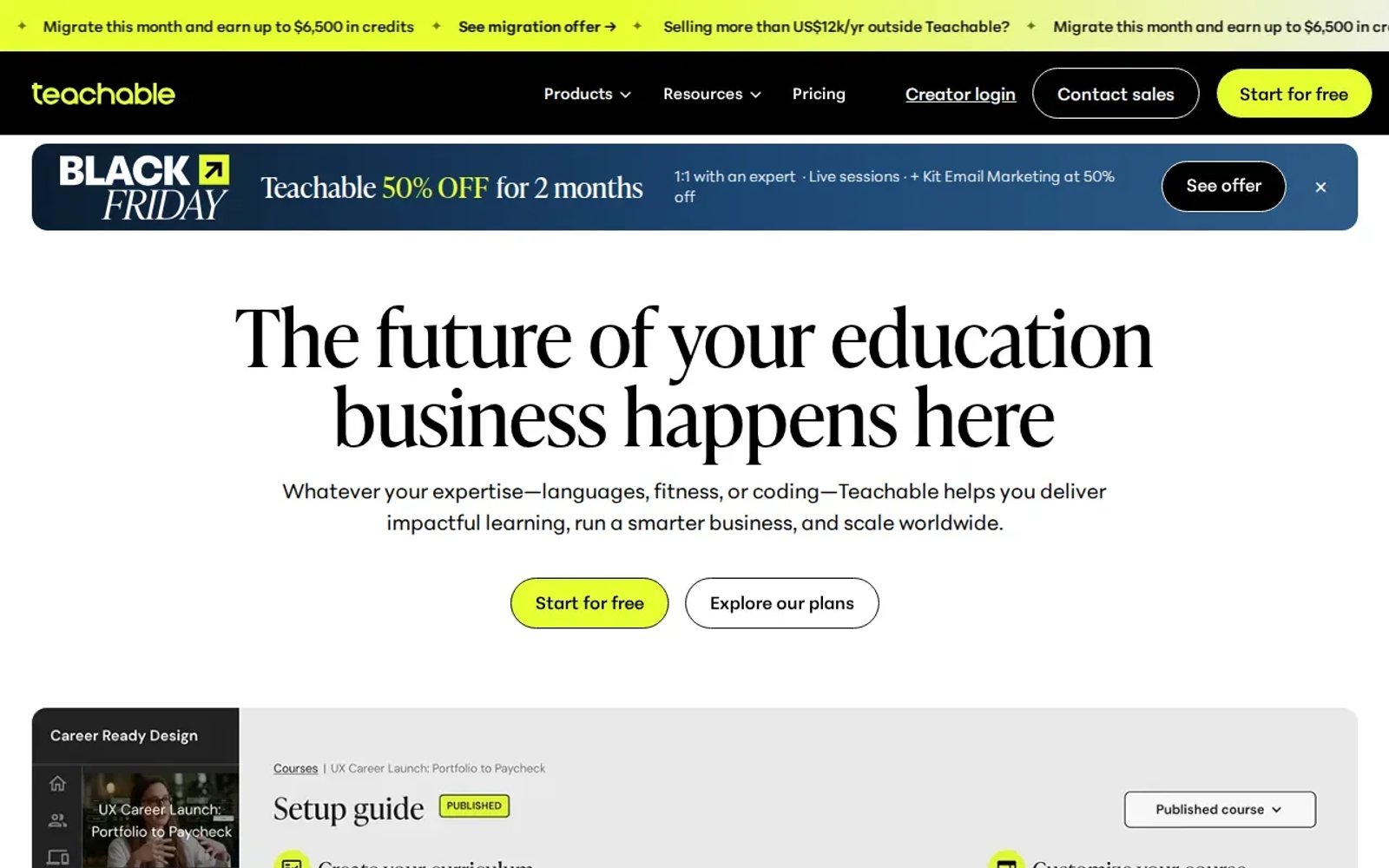
Course creators can use Teachable when they need to package lessons as a paid learning experience. It also supports digital downloads, coaching, and memberships, which can help an educator offer more than a single course format. For example, a guide could introduce a topic, while a course gives buyers a structured way to learn it.
That makes it a better match for training or education than for a creator who only needs a visual design tool. Decide what the buyer should receive after checkout. If they need lessons and access over time, a course platform makes sense. If they only need a file, keep the setup lean.
Teachable’s role is distinct from the tools focused on making a design asset or refining a template. It’s for delivering learning products. Build your lessons and customer path around the result you’re teaching, rather than treating the platform as a substitute for the course plan itself.
5. Kajabi: for an end-to-end creator publishing pipeline
Kajabi is a fit for creators and small product teams that want an end-to-end publishing setup. It supports courses, coaching programs, digital products, memberships, communities, and client experiences.
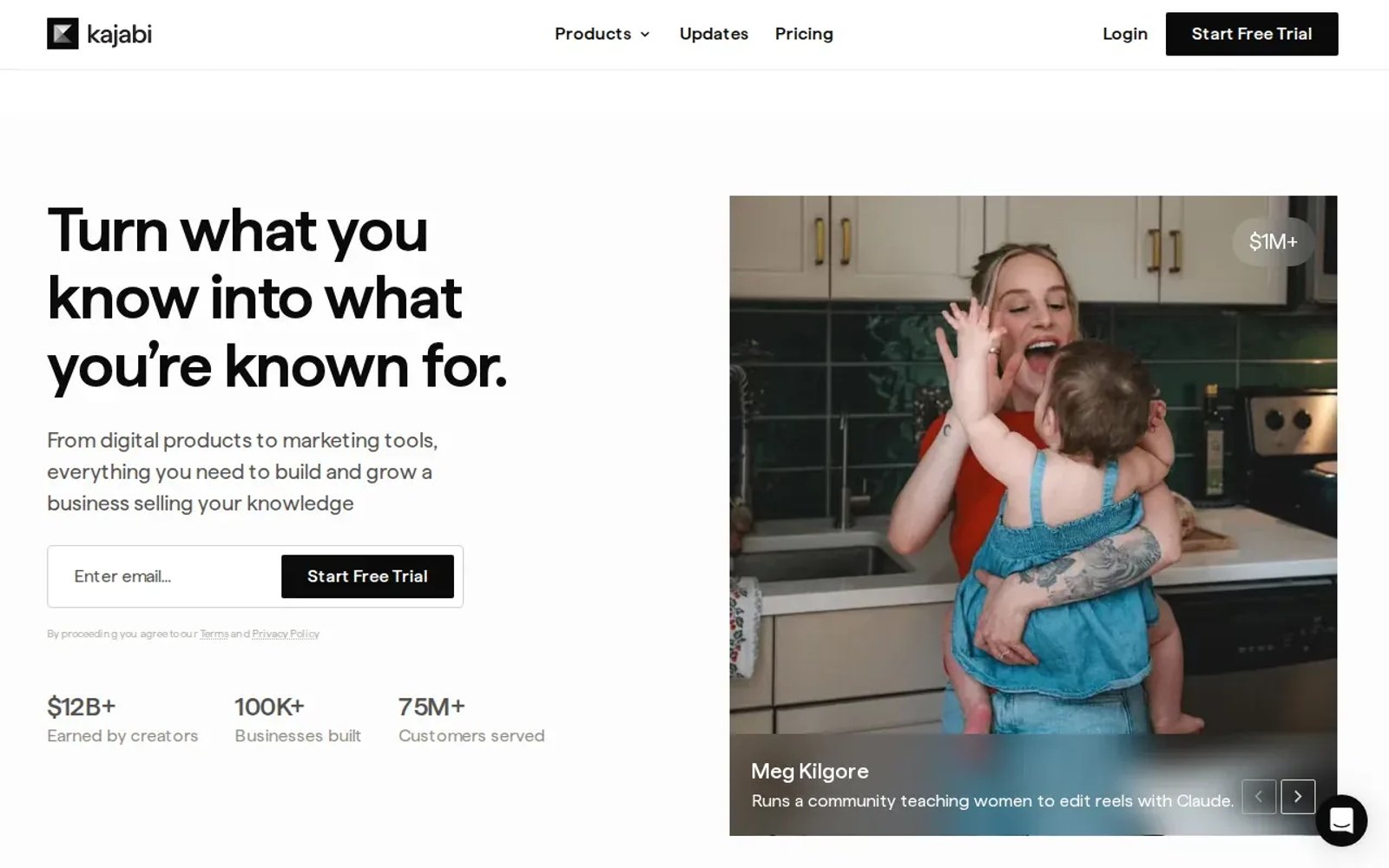
That range can suit a creator whose offer is more than one standalone file. You might sell a course, then add coaching or a membership as a separate way to work with customers.
Before you set a price, account for the time needed to make and update the product. Consider what the buyer receives and whether it includes extra support or community access. Check similar offers and revisit prices based on customer response.
Kajabi makes more sense when you plan to run a broader creator business in one place. If your immediate goal is to validate a small ebook or lead magnet, the larger product mix may be more than you need at the start. Match the platform to the business you intend to operate, not to a hypothetical future catalog.
6. Notion AI: for building and refining Notion templates
Notion AI can help people who already know Notion build a template faster. It’s a good fit for creators who want to package a useful workspace rather than write an ebook or record a course.
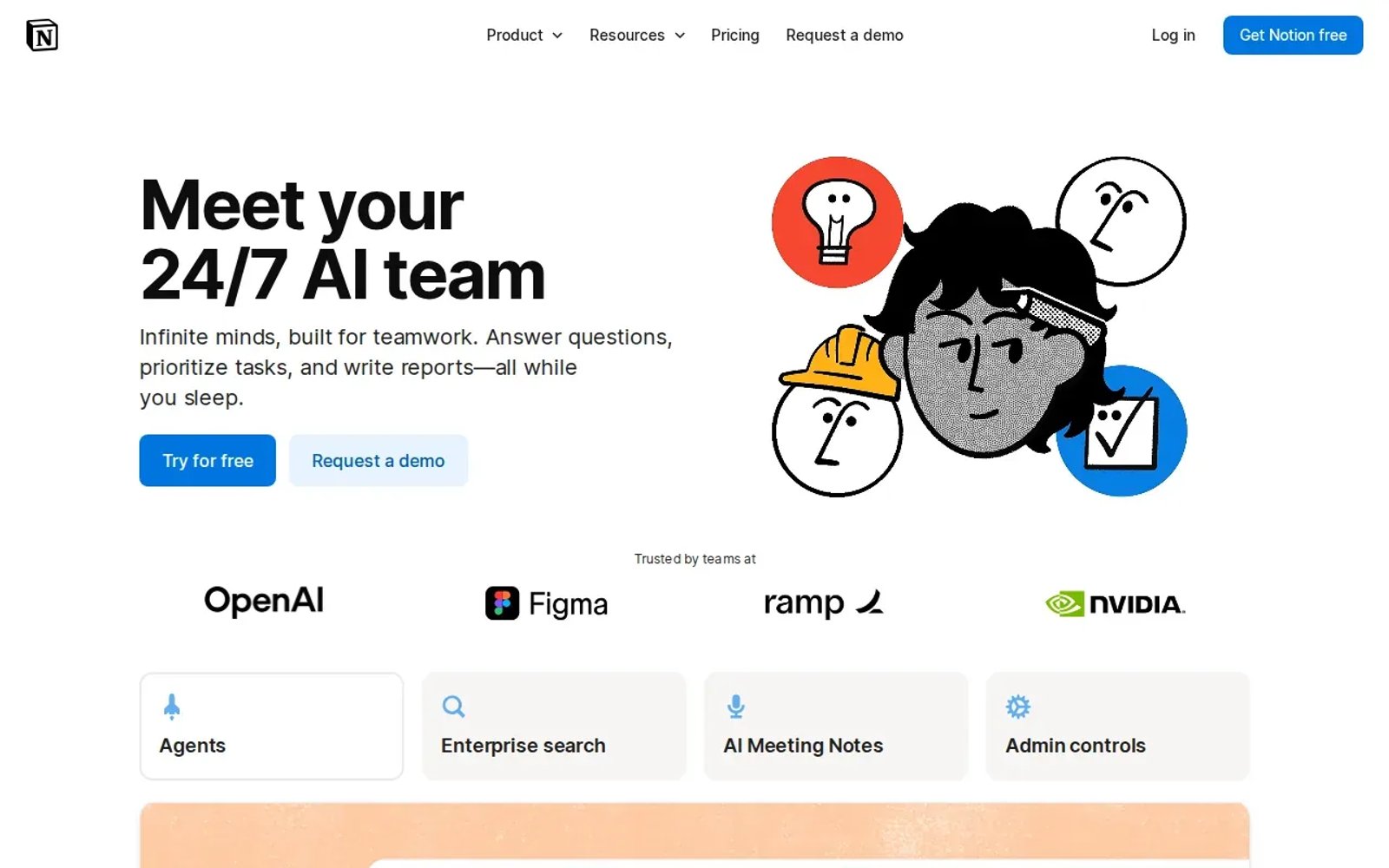
Use it to flesh out a database structure, generate sample data, or write the documentation that helps buyers use the template. For instance, a template maker can outline the purpose of each database before adding sample entries. Clear instructions matter because a buyer should understand how to adapt the workspace after receiving it.
Notion AI helps with the planning and writing inside the template. The product still needs to solve a defined problem for a specific buyer. A general-purpose dashboard may be hard to explain, while a workspace built for one clear task is easier to describe on a sales page.
Choose this option if you’re already comfortable in Notion and want help shaping a template. If you’re new to the tool, first learn how its pages and databases work. That way, you can check the generated structure and give buyers a template you understand.
7. Descript: for video courses and audio-led lessons
Descript is an AI-powered audio and video editor that lets you edit recordings through text. It’s a fit for solo creators making video courses or audio-led lessons who want to record, transcribe, edit, and publish in one tool.
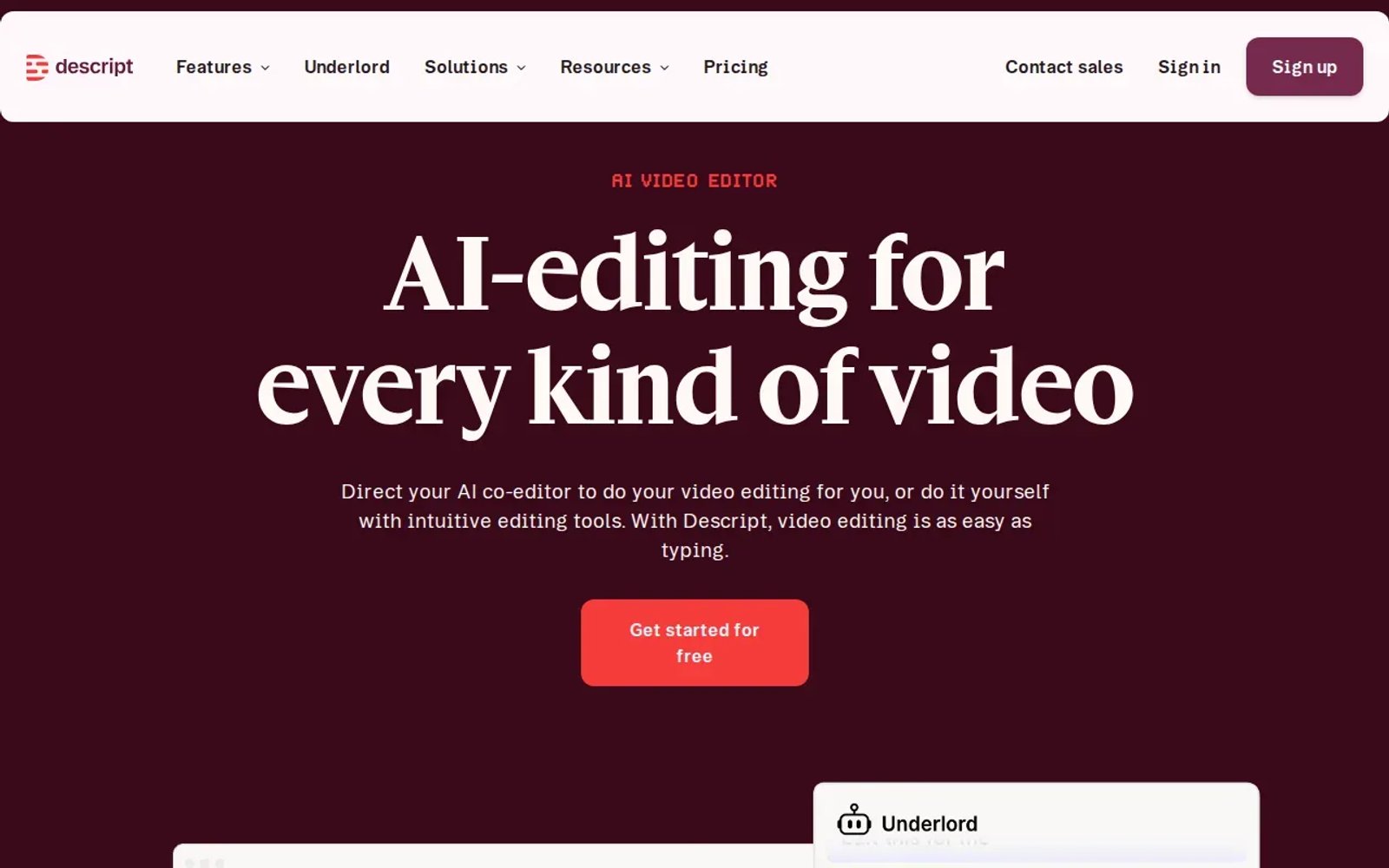
The text-based editing workflow can help when you need to remove a spoken section or revise a lesson. Rather than hunting through a timeline for every cut, you can work from the transcript. That can make the editing stage easier to manage when a course has several recorded lessons.
Descript helps produce the media, but it doesn’t replace the teaching plan. First decide what each lesson should help the learner do. Then record the lesson and edit it so the explanation stays focused. A short course often benefits more from clear examples than from extra footage.
If your product is mainly text or a template, this tool may not be central to your workflow. But for a solo creator building a video course, it brings recording and editing into one process. Check the final audio and video yourself before publishing, especially where buyers need clear instructions.
8. ElevenLabs: for short audio add-ons
ElevenLabs is designed here as a tool for short audio add-ons to an existing product. It’s a fit when a guide, course, or resource would benefit from an audio companion.
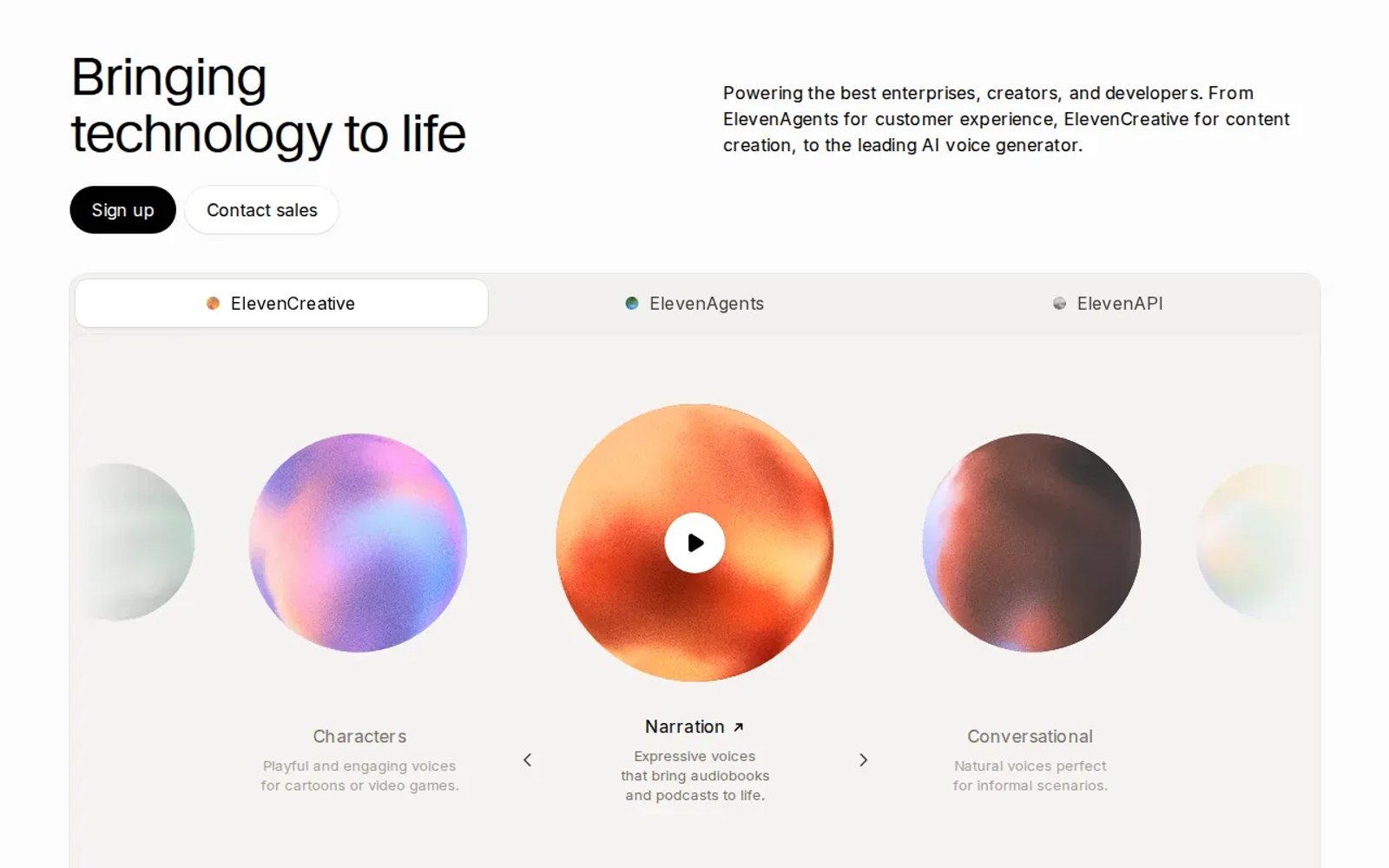
A short audio version can give buyers another way to use material they already bought. For example, a creator might include a brief spoken introduction alongside a written guide. Keep the recording tied to the product’s purpose, rather than adding audio only to increase the file count.
ElevenLabs is positioned for short add-ons, not as the main product platform in this shortlist. Plan where the audio will live and how customers will receive it. If it supports a course, make sure its wording matches the lesson and doesn’t introduce steps that the written material leaves out.
For a standalone audio course, think carefully about the full production and delivery workflow. This pick is most relevant when audio is an extra format that makes an existing product easier to use.
9. tellnsell: for quick AI-assisted store and checkout setup
tellnsell is positioned for creators who want a quick AI-assisted store and checkout setup. Its services include using AI to write copy, set a price, and build a page, and taking payments in more than 120 countries.
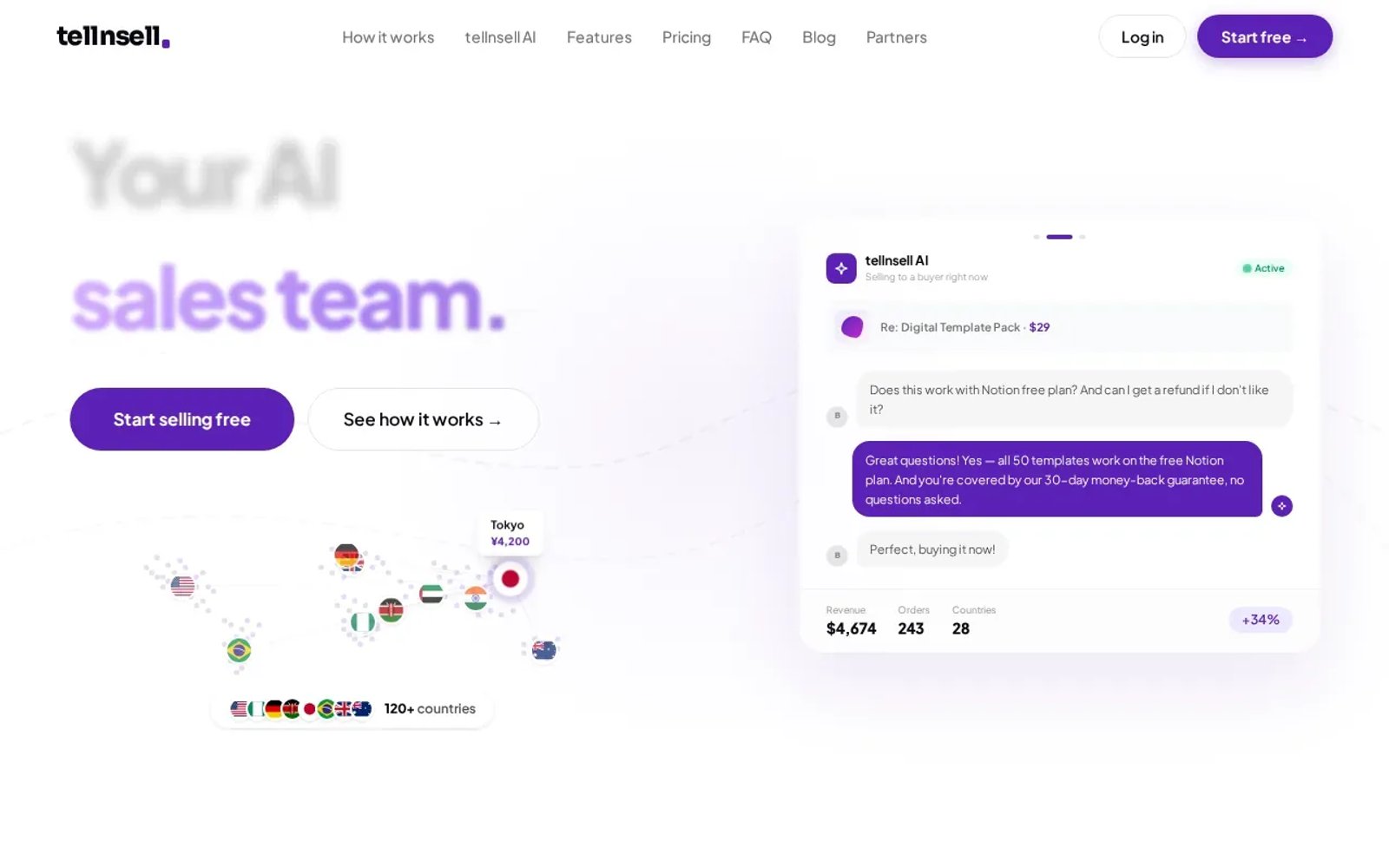
That setup can suit a creator who has a product direction and wants to get a store page ready without building every part by hand. The offer still needs to be clear. Decide what the buyer gets, who it helps, and what problem it addresses before relying on generated copy to explain it.
tellnsell’s focus is on the storefront and checkout side of selling. Compare that with Fast Digital Product, which starts with buyer research and product creation before the sales page and checkout. If you already know what you want to sell, a store-first flow may fit. If you’re still deciding what buyers want, research should come first.
Keep your own review in the process. Check the offer wording, price, and page before sharing it with customers. A fast setup is useful only when the product promise matches what you can deliver.
10. MiloTree: for product idea discovery and guided creation
MiloTree helps creators find a product idea, follow a creation roadmap, and sell through a store. It’s aimed at people who have an audience or expertise but need help deciding what to offer.
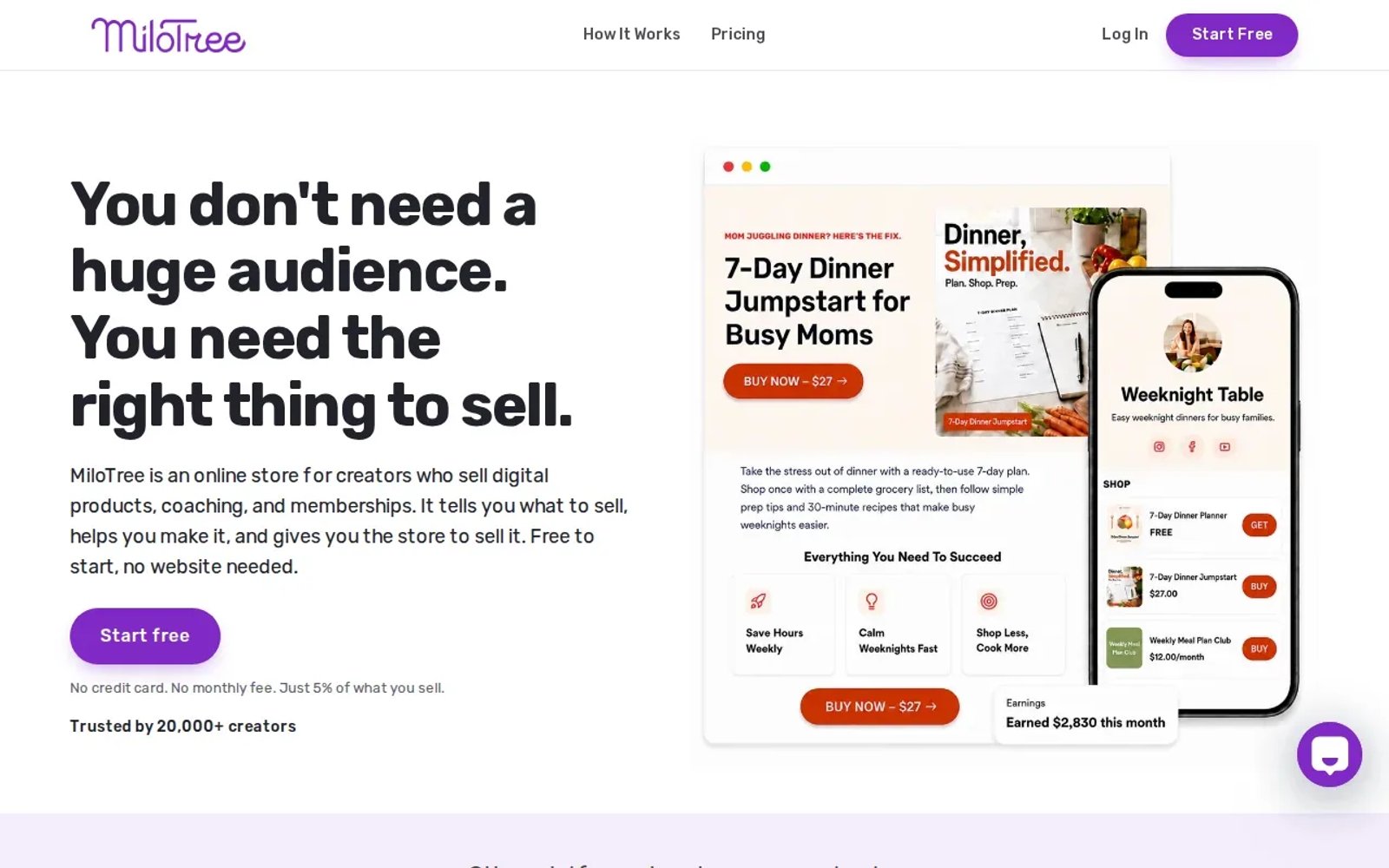
MiloTree’s AI Product Finder helps you find a digital product to sell, then provides a step-by-step roadmap to build it and a free store to sell it from.
Before choosing it, consider whether its guided workflow and store fit the way you plan to create and sell.
Its guided workflow may suit a creator who needs a starting point more than a blank canvas. If you already have a product and sales process, compare the specific store and checkout needs before switching. And if your first challenge is deciding what to make, idea discovery is the feature to assess first.
Digital product creation tools compared
Use this table to narrow the shortlist by the job you need done first. Most creators will still pair a making tool with a way to sell and deliver the product.
| Tool | Best fit | Main job in the workflow |
|---|---|---|
| Fast Digital Product | Demand-led product launches | Research, product writing, sales page, and checkout |
| Canva | Printables and visual products | Design and layout |
| Thinkific | Training teams | Course and cohort portal |
| Teachable | Independent course creators | Courses, coaching, memberships, downloads |
| Kajabi | Creators with a wider product mix | Publishing courses and other creator offers |
| Notion AI | Notion template makers | Template structure and documentation |
| Descript | Solo video-course creators | Audio and video editing |
| ElevenLabs | Audio add-ons | Short audio content |
| tellnsell | Quick store setup | AI-assisted copy, page, and checkout |
| MiloTree | Creators who need an idea and roadmap | Idea discovery, guided creation, and store |
If you sell downloadable files, make sure your checkout can deliver them after purchase. Some selling platforms support file or link delivery in different formats. Course tools solve a different problem: giving learners access to lessons over time.
Key Takeaway: Pick the tool that handles your biggest bottleneck first, then add other tools only when the workflow calls for them.
A quick workflow for creating and selling a digital product
Keep the first version focused. A short guide that solves one clear problem is easier to finish than a large course with no defined buyer.
- Find a buyer problem. Look at audience comments, questions, and the tasks people already ask you to explain. Fast Digital Product can help you use that material to explore buyer demand.
- Choose a format. Match the problem to the product. A visual planning task may suit a printable. A process that needs explanation may suit a guide or course.
- Make the smallest useful version. Write the core content or build the essential template first. Add examples and instructions so buyers can use it without guessing.
- Set the offer and page. Explain who it helps and what the buyer receives. Use a sales page and checkout that make the next step clear.
- Test the buyer path. Review the page, place a test order if your setup allows it, and check that the promised file or lesson is ready to access.
For the first step, our buyer research tools for digital products can help you check what people ask for before you commit to a full build. That small check can save you from making a polished product around a problem nobody has asked you to solve.
What to compare before picking a tool
Start with the product format. An ebook needs writing and page layout. A template needs a clear structure and useful instructions. A course needs lessons and a way to deliver them. Fonts and website themes also need careful file preparation and licensing terms that fit how you plan to sell them.
Then look at the full path from creation to payment. Does the tool help you make the product, or does it also host a sales page? Can a buyer pay and receive access without a manual handoff? If the tool relies on another service, count the setup and ongoing work involved.
Compare the cost model with your expected workflow. A monthly plan may make sense for a growing catalog, while credits or per-sale fees may suit a small test. Check ease of use by trying the task you’ll repeat most often, such as editing a lesson or updating a product page.
Finally, check marketing links, analytics, and legal terms. If email follow-up, social promotion, or sales tracking matters to your plan, confirm what the tool can do before you build around it. Read the license for any design assets you sell, and review your local tax and consumer rules before taking payments.
Pro Tip: Write down your first product, how buyers will receive it, and the one task slowing you down. Choose a tool that solves that task now.
Frequently asked questions
What is the best tool for creating digital products?
The best tool depends on the product you plan to make and the work you need help with. Fast Digital Product is a useful first choice when you need buyer research, product writing, a sales page, and checkout in one workflow. Canva suits visual products, while course platforms fit lessons that need a learning portal.
Can I create and sell a digital product with one tool?
Yes, some platforms cover several parts of the process, though the exact mix differs. Fast Digital Product combines buyer research, product creation, a sales page, and checkout. Other tools focus on design, course delivery, or store setup. Before you commit, check that the product reaches buyers in the format you intend to sell.
Which tool is best for making an ebook?
Canva is a fit for ebook covers and page layouts, especially if you want visual design help. You’ll still need original content and a sales or delivery setup. Check Canva’s content license before selling a design that uses library assets, since the rules depend on how those assets appear in the finished product.
Do I need a separate checkout tool for a course?
Not always. Thinkific includes hosted checkout and order pages with its course portal. Teachable and Kajabi also support selling learning products within their broader offerings. Compare the buyer’s path from payment to lesson access, then see whether your planned course needs any extra services for marketing or follow-up.
How do I choose between a free start and a monthly plan?
Estimate how often you’ll use the tool and how it charges as sales grow. A pay-as-you-go or transaction fee can keep early costs tied to use. A monthly plan may suit a larger catalog or recurring workflow. Compare the full cost, including any credits, platform fees, and payment processor charges that apply.
Conclusion
If you want to turn audience questions into a product and move toward a live offer, start with Fast Digital Product. Check buyer demand, make a focused first version, then see Fast Digital Product pricing and choose the credit or plan setup that fits your next build.
Back to all articles