 Fast Digital Product
Best Platforms to Sell Digital Products in 2026
Compare digital product platforms by setup, checkout, delivery, fees, and use case. Find a fit for your product and sales workflow.

Choosing where to sell matters when your product is ready, or you’re still testing an idea. The best platforms to sell digital products range from simple checkout tools to full creator workflows. Here are 10 options, starting with Fast Digital Product, and what each one can do for your business.
1. Fast Digital Product
Fast Digital Product researches buyer demand, helps generate a digital product and sales page, then provides checkout for global sales. It can also help creators find product ideas in their social content and audience comments.
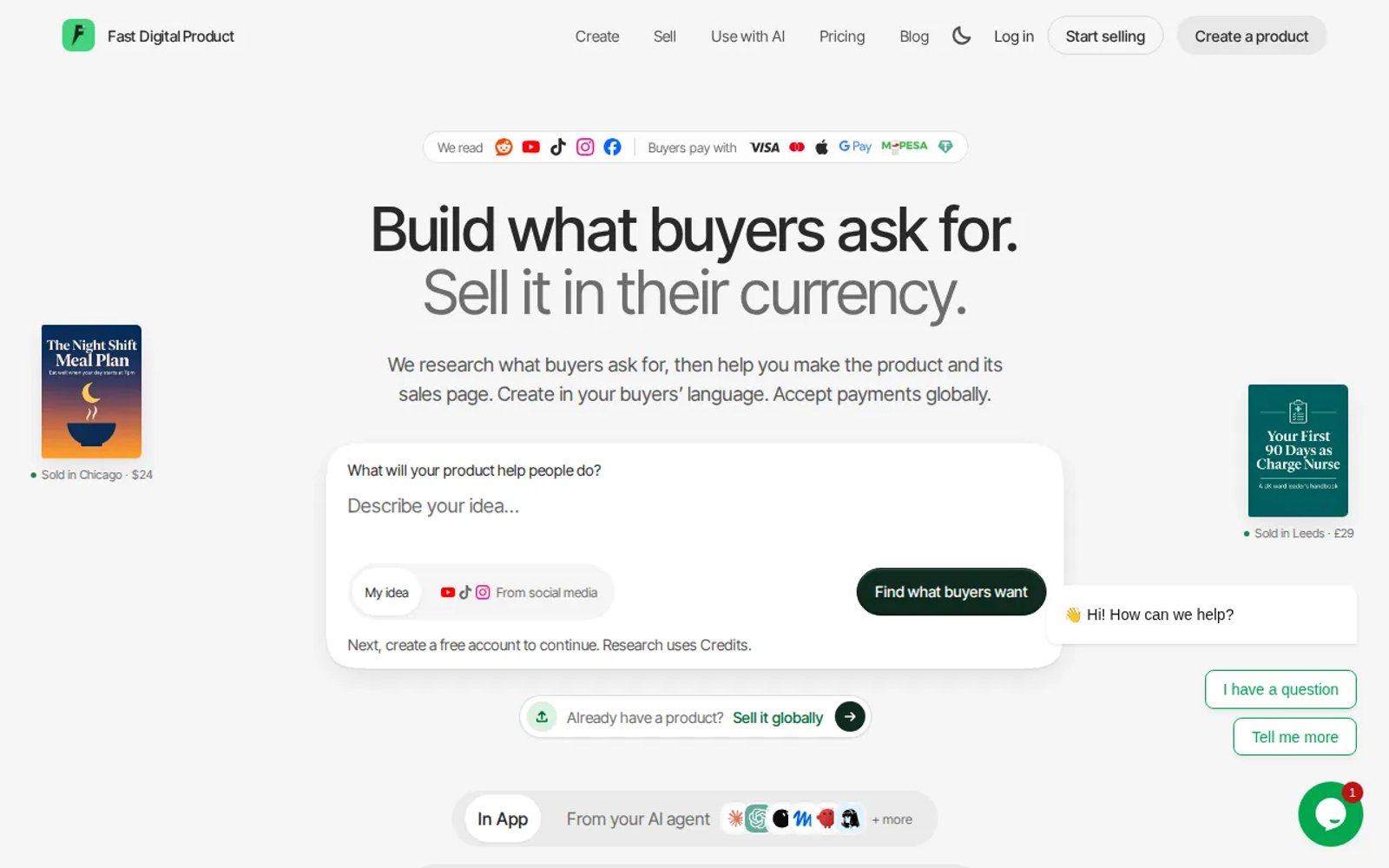
It’s a fit if you need help moving from an idea to an offer you can sell. You can research what buyers ask for and pay for before building, then use the product and page tools to shape your offer. The digital product creator page explains how the workflow can support ebooks, lead magnets, and other products.
Checkout shows buyers their local currency. The site gives examples of sales in pounds, euros, Australian dollars, Kenyan shillings, and Canadian dollars. Fast Digital Product lists $0 to start and $0 a month, with a pay-as-you-go or plan-based model for research and writing credits. Offers and sales pages are free, and credit packs don’t expire.
Its pricing page also states a 2% plus $0.10 per-sale fee, or as low as 0.5% plus $0.10 on a plan. The payment processor’s fee also comes out of each sale. Check the displayed build cost before you start; each build shows its cost first.
Fast Digital Product suits sellers who want research, product writing, page drafting, and checkout in one workflow. If you already have a finished product and only need a checkout link, a simpler platform may be enough.
2. Gumroad: A straightforward starting point with a free plan
Gumroad is a digital product platform with a free plan and built-in checkout. It may suit a creator who wants to publish an offer and collect payments without first building a custom storefront.
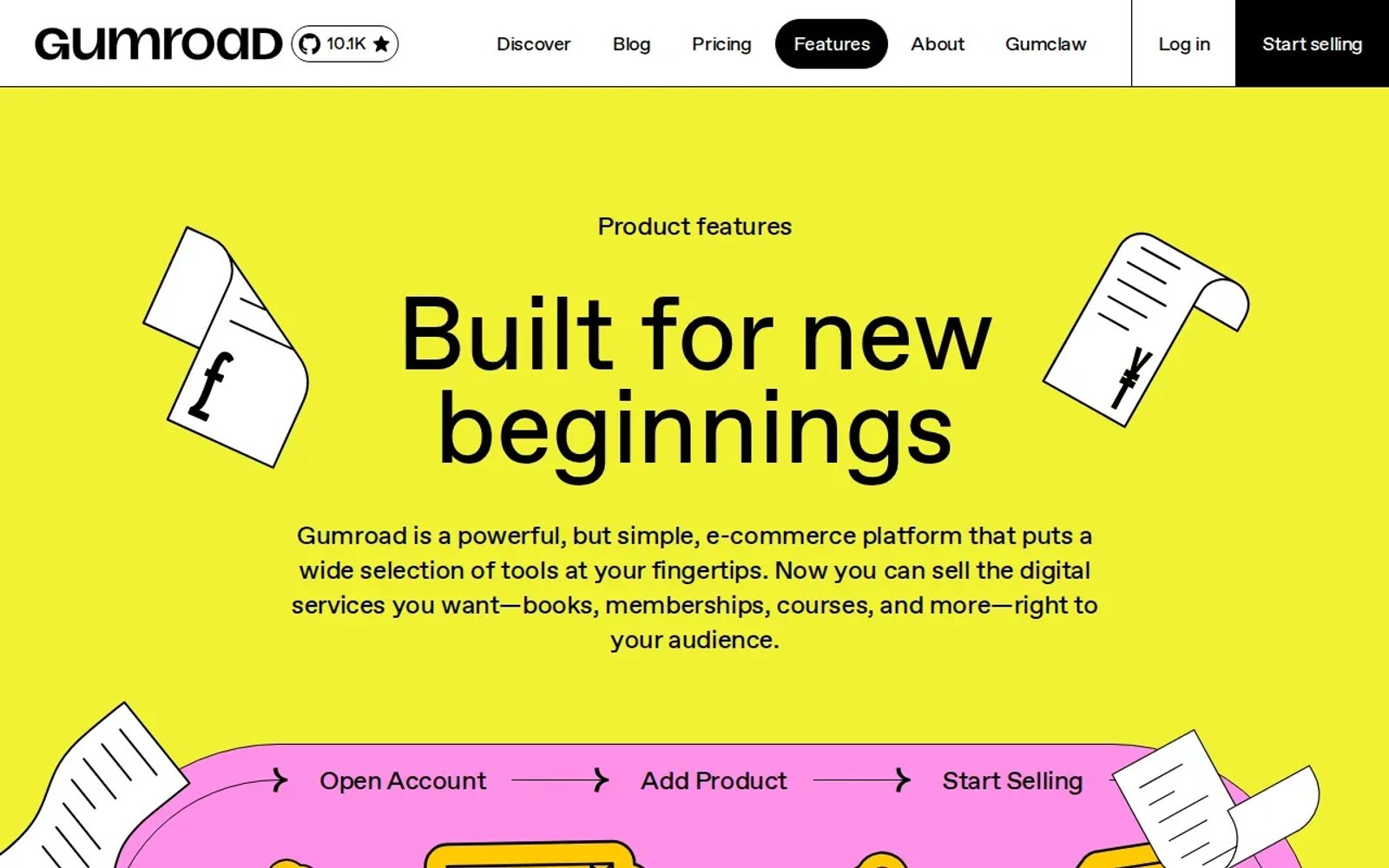
A useful distinction is that a free plan doesn’t mean every sale is free to process. Gumroad has a free plan. Check the current plan terms against your expected order size before moving a full catalog.
Gumroad also lets sellers build a library of content and charge buyers a monthly subscription. That can fit a creator with material they update over time, rather than a single download. Think about how often you’ll add new content and whether a recurring offer makes sense for your audience.
For a one-off ebook or template, compare the checkout experience with your own sales page. For an ongoing content library, confirm that the subscription model matches how you plan to deliver new material. Keep the choice tied to the way you sell, not just the fact that a free plan exists.
3. Shopify: A flexible storefront with digital-product apps
Shopify is an ecommerce storefront that can sell digital products through third-party apps. It may suit a seller who already runs a Shopify store and wants digital goods alongside the rest of that business.

That flexibility comes with an extra setup decision: choose the app that handles the digital product workflow you need. Before publishing, map what happens after checkout. Buyers need a clear way to receive their download or access, and you need to know which app handles that part.
Shopify isn’t the ideal platform for every digital-only seller, but it can still work when a broader storefront is part of the plan. It’s worth comparing the app setup with a platform built around digital delivery, especially if your catalog is made up only of downloads.
Use Shopify when the value of keeping your shop together outweighs the added app choice. If the digital product is the whole business, compare the full purchase and delivery path before you commit.
4. SendOwl: Digital delivery with guided tax registration
SendOwl is a digital selling tool that can plug into an existing website, social profile, or other platform. It may fit a seller who wants to keep an existing web presence while adding checkout and digital delivery.
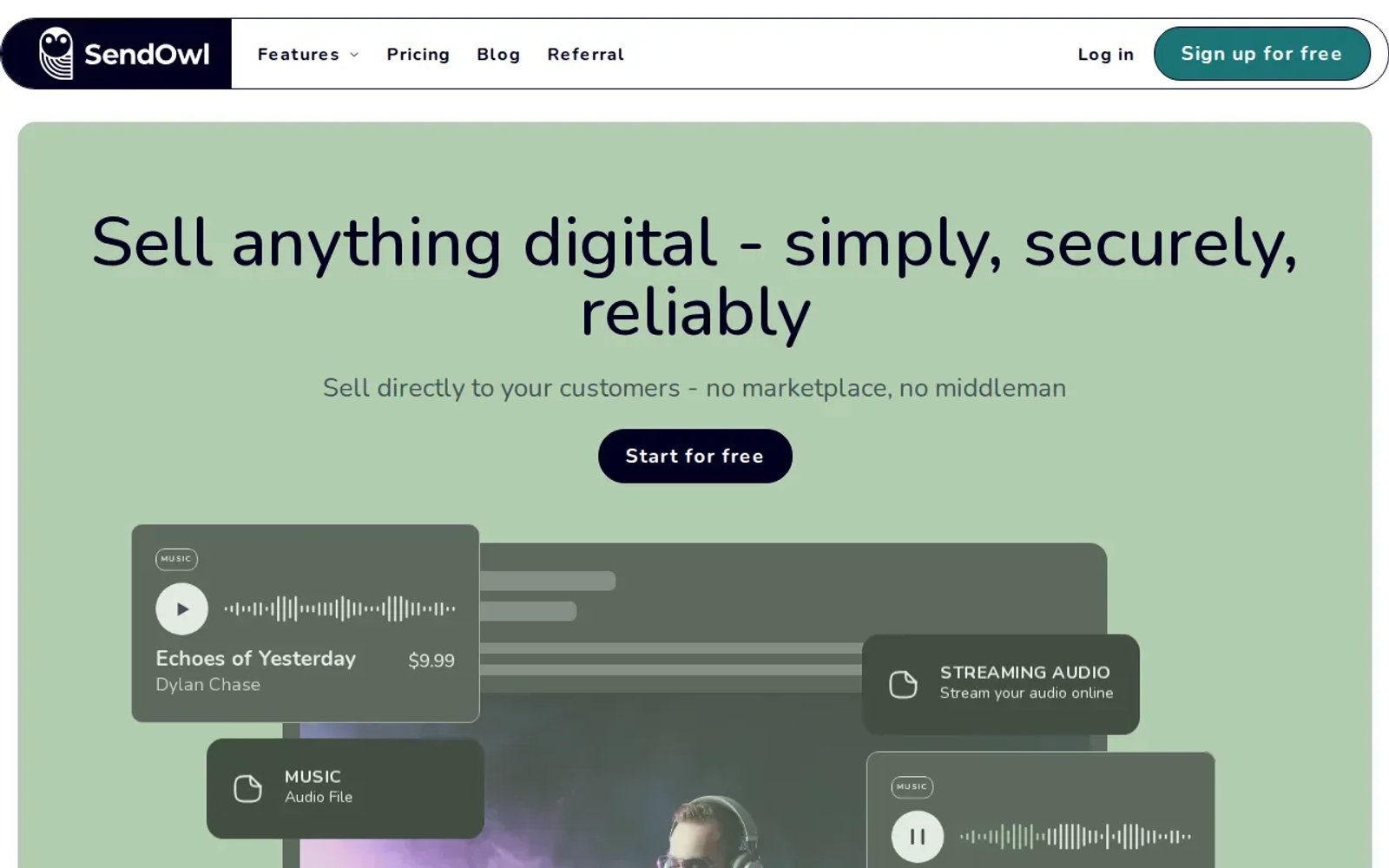
SendOwl provides guided registration flows for 12 jurisdictions. That can make SendOwl worth considering when tax registration is part of your setup work, though you should still check which rules apply to your business.
SendOwl also describes file protections such as download limits, expiring links, and PDF stamping. Its platform supports affiliate links with tracked sales and commissions. A seller who relies on partners to promote products may value having affiliate tracking within the selling workflow.
Look closely at how its monthly pricing fits your sales volume, since the platform describes flat monthly pricing rather than a percentage cut that grows with sales. That structure may be easier to plan around, but it still needs to make sense for your expected revenue.
5. tellnsell: AI-assisted storefront setup
tellnsell says it can launch an online store in 60 seconds. Its AI writes the copy, sets a price, and builds the page, then the platform takes payments in more than 120 countries.
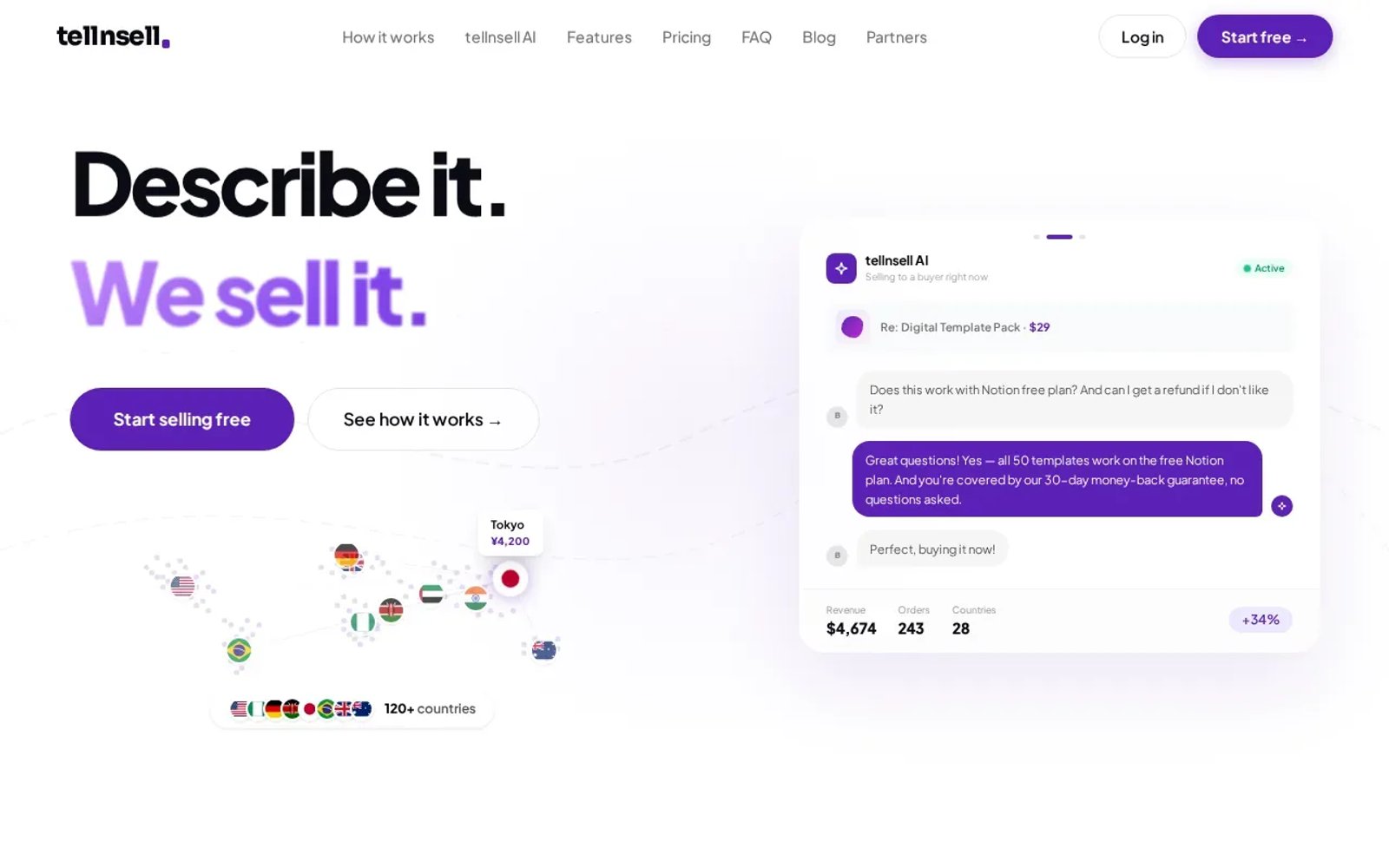
This may suit a seller who wants a fast first draft of a storefront and offer. Still, treat generated copy and pricing as a starting point. You know your product and audience best, so review the claims, check the price against buyer expectations, and make sure the page says exactly what the buyer will get.
A quick setup can reduce the work between an idea and a live page. It doesn’t replace a check that the product solves a clear problem or that the checkout fits your buyers. If your product is based on a specific audience need, do that demand work before accepting a suggested offer.
For sellers who value speed, the stated 60-second launch is the standout point. Compare the exact selling and delivery steps you need before making it your main store.
6. MiloTree: A free tier for testing a small product lineup
MiloTree is free forever. Its free tier lets sellers offer up to three products at a time and three freebies, with a 5% fee on each sale and a MiloTree badge on the store.
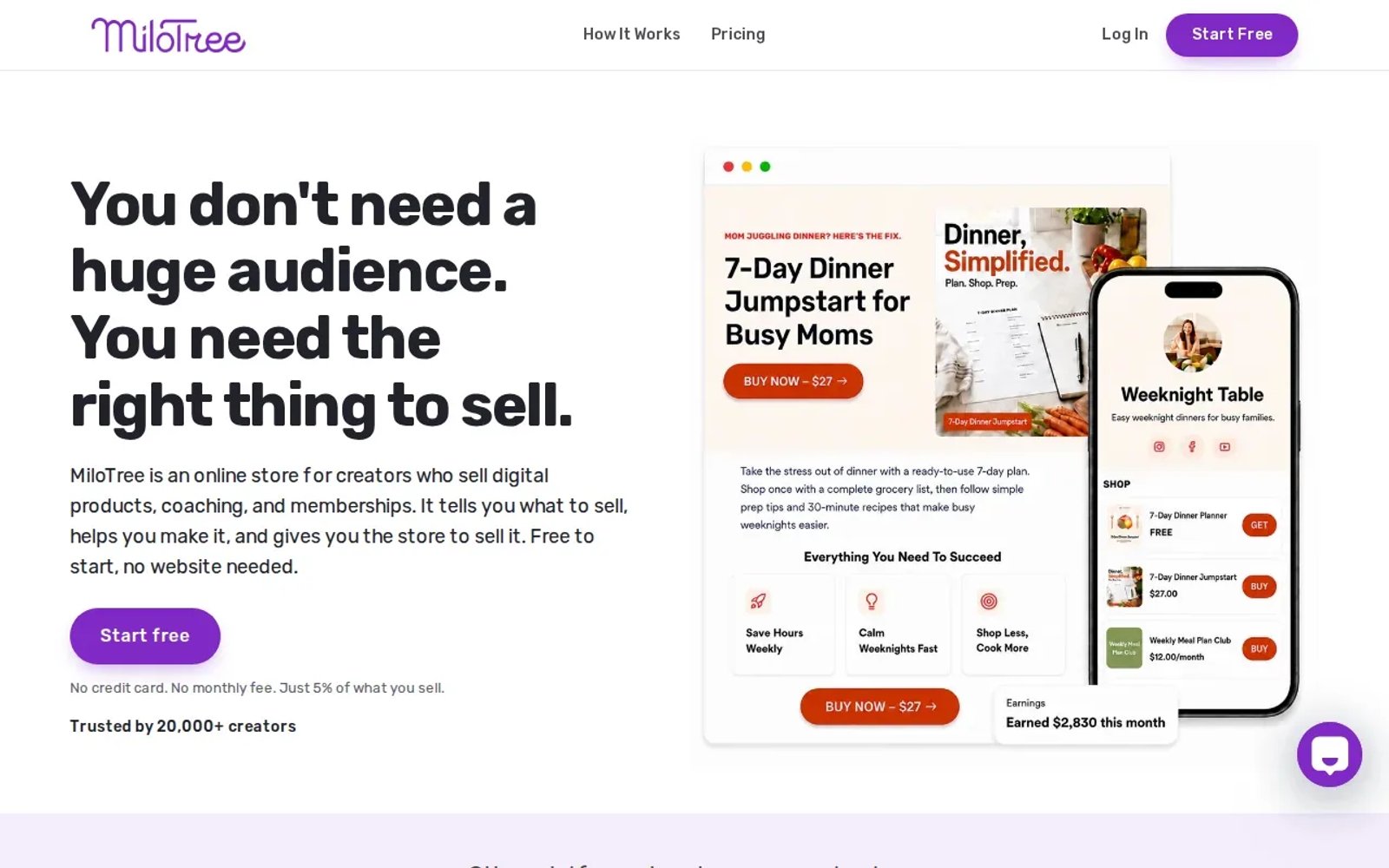
The three-product limit makes the free tier a focused option for sellers with a small lineup. You can use it to offer a few products and freebies, then consider whether the product limit and 5% sale fee fit your needs as you plan your store.
MiloTree may appeal to creators who want to start with a small product lineup. Before you launch, consider whether the three-product limit and MiloTree badge work for the way you want buyers to see your brand.
Key Takeaway: MiloTree’s free tier has no monthly cost, but the 5% sale fee, product limit, and store badge shape its fit.
7. Hotmart: A broad ecosystem for digital products
Hotmart is a digital product platform where you can create an account and publish digital products for free. There is no upfront cost; fees apply only to approved sales.
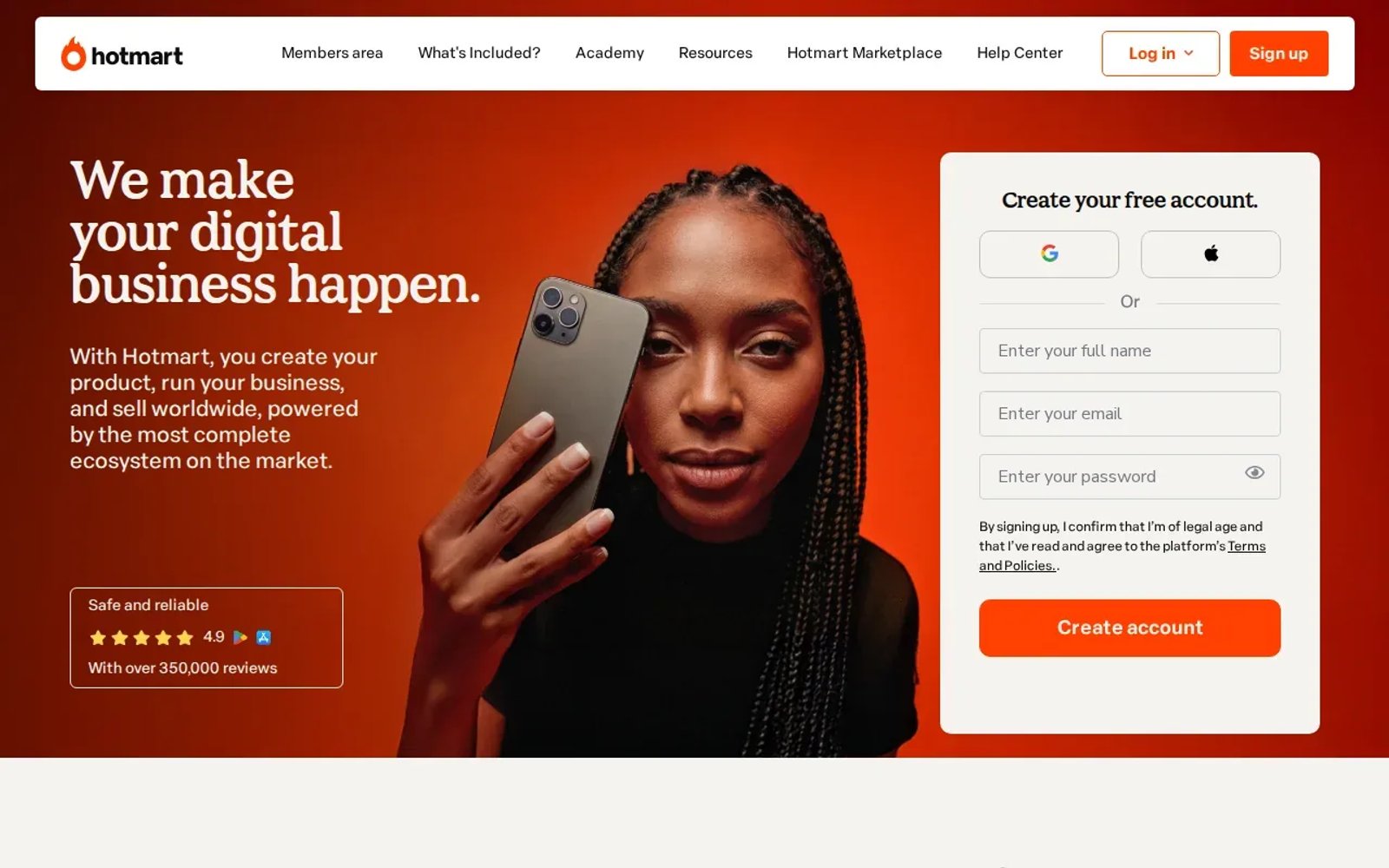
Hotmart is presented as a broad ecosystem for digital products. Its free-to-publish option lets creators publish without an upfront platform cost, while fees apply only when a sale is approved.
Before publishing, review Hotmart’s current terms to understand the fees that apply to approved sales. This can help you consider whether the platform’s free-to-publish option fits your plans.
This may suit creators who want to publish digital products without an upfront cost and pay fees only on approved sales.
8. Selfany: A no-monthly-fee option for community monetization
Selfany is a platform for selling digital goods, with no monthly fee in its free-to-use model. It may suit a seller who wants to monetize a community while using built-in tools for engagement and automation.
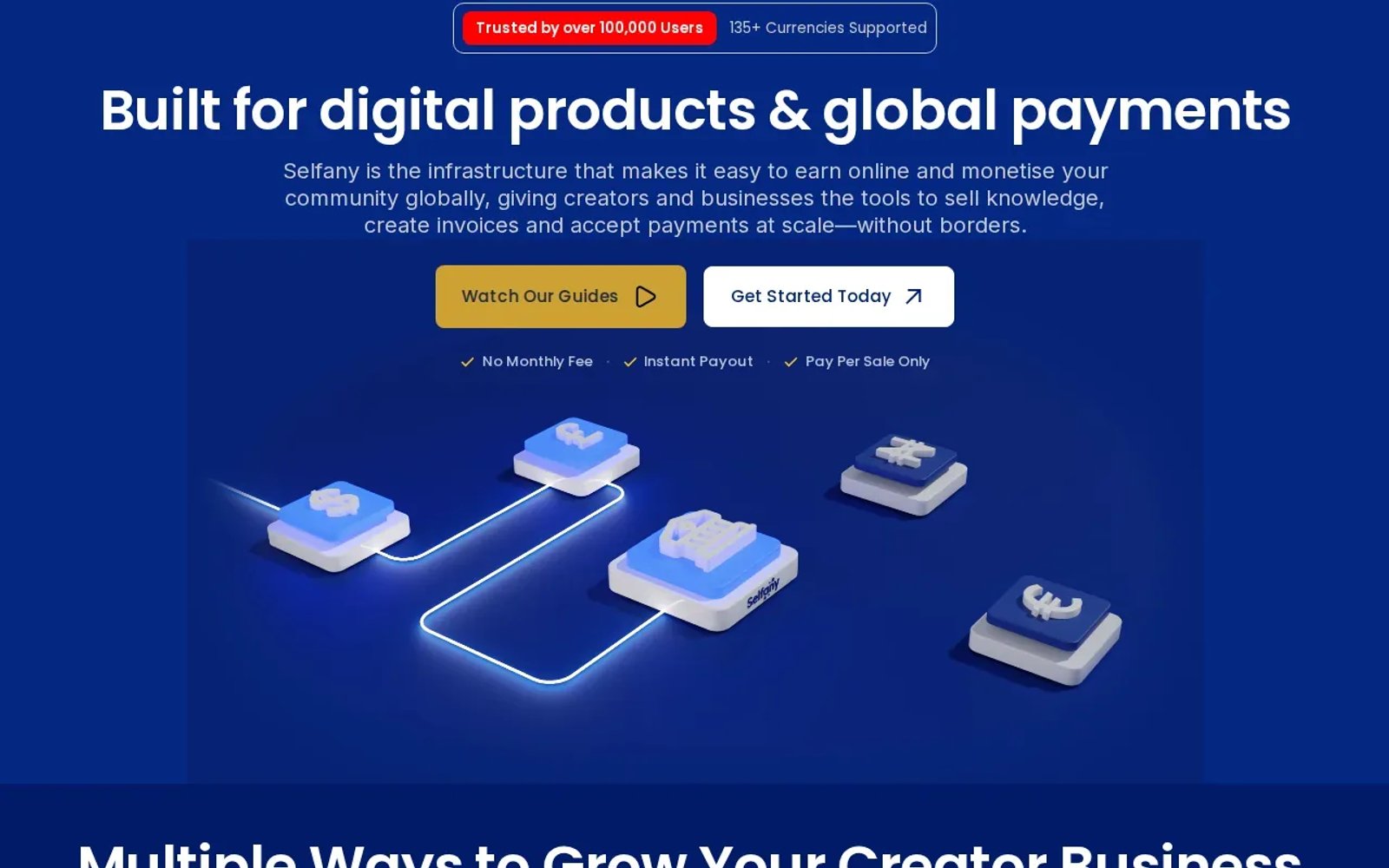
Selfany describes support for ebooks, software, templates, music, stock photos, and other digital products. Its tools include bundles, discount codes, product updates, affiliate promotion, and automated recommendations. Sellers can also connect email marketing, analytics, advertising, and scheduling tools inside the account.
For file delivery, Selfany says sellers can upload digital files and share a store URL. It also supports an embed option for adding checkout to an existing website. The platform states that each file upload has a 5GB limit, while storage and bandwidth have no stated limits.
Selfany says it supports most currencies and secure payment options for global checkout. If international sales matter to you, check that your buyers’ payment methods and currencies work for your needs. The no-monthly-fee structure can be appealing, but the key question is whether its community tools match your sales plan.
9. Nestuge: Payments and workflows for communities, courses, and events
Nestuge connects payments and workflows for communities, courses, and events, with an emphasis on using everyday apps. It may suit a creator whose product depends on a group, scheduled event, or course rather than a standalone download.
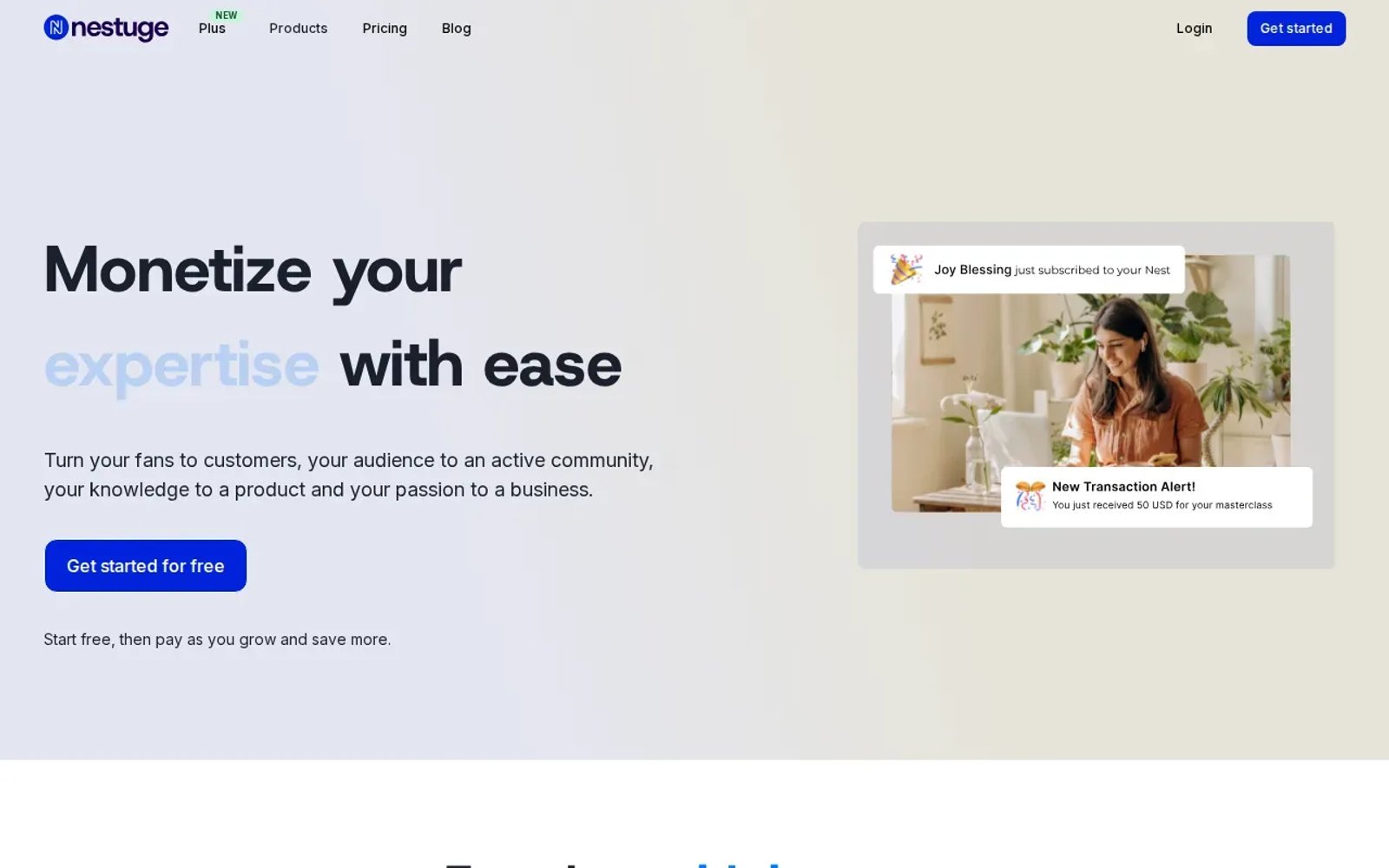
The core idea is to connect a payment to what happens next in the creator’s workflow. That can matter when buyers need access to a course or community after they pay. Before choosing, write down the handoff you need: what the buyer purchases, where they get access, and what should happen if their access changes.
Nestuge’s positioning focuses on onboarding and workflow automation. That makes it a different kind of fit from a simple download store. A seller who mainly needs to deliver a PDF may not need a community-centered workflow, while a course or event host may want to explore how its everyday-app approach supports their setup.
If your product is a live or shared experience, check the exact workflow before launch. A clean payment flow is only one part; buyers also need a clear path into the course, group, or event they paid for.
10. Selar: A platform to consider for selling digital products
Selar is one option to consider when you’re comparing places to sell digital products.
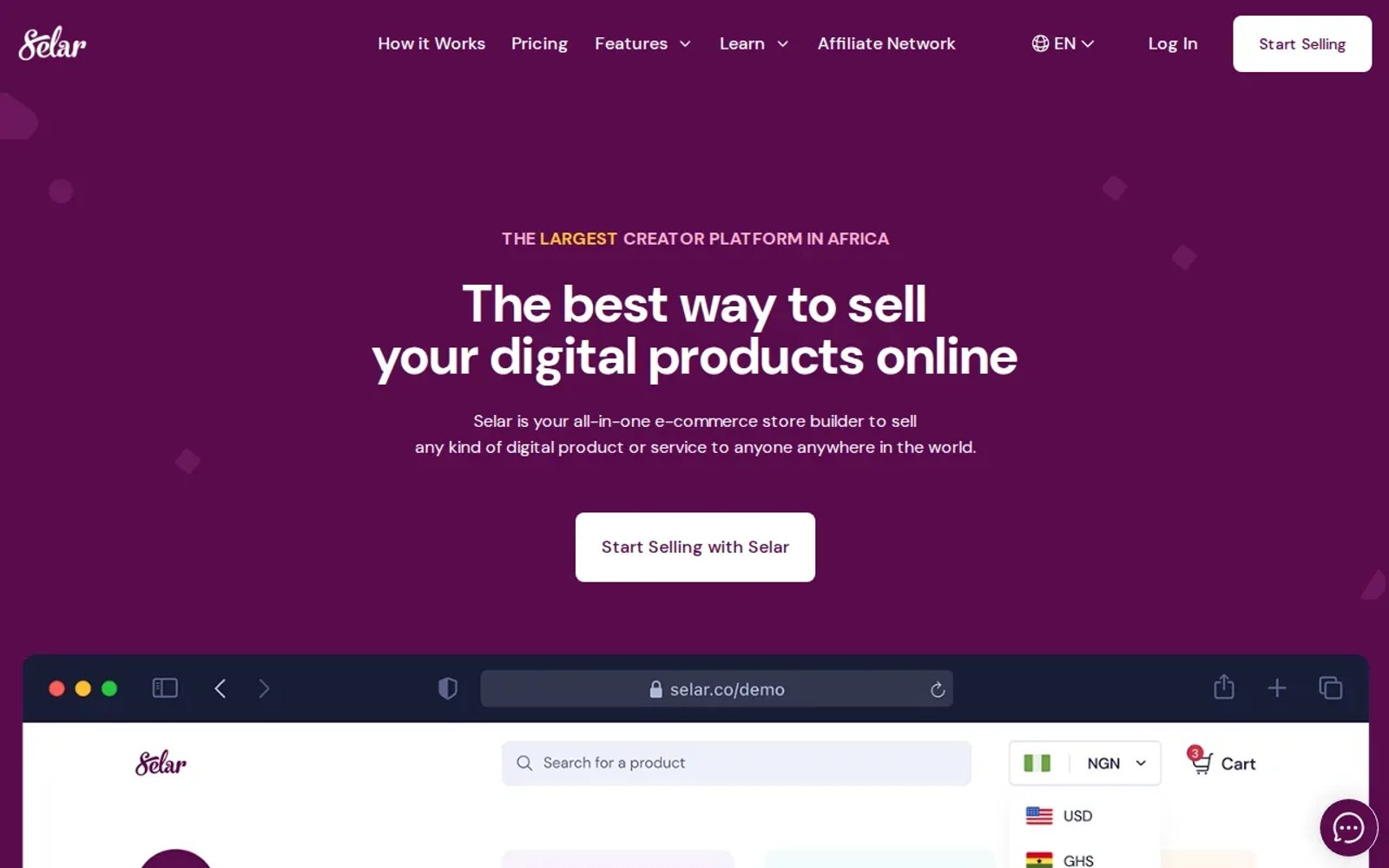
A hands-on check is important. Look at the parts of the sale that affect your own business: how you set up a product page, what buyers see at checkout, how the product reaches them, and what a completed sale costs.
Write down your must-haves before comparing platforms. A seller with a downloadable guide may care most about checkout and file delivery. A course creator may need a different kind of buyer access. Keep the comparison tied to your product rather than choosing based on a broad label.
Selar belongs on your shortlist if it fits the market and sales workflow you’re evaluating. Confirm the current details directly before you make it the home for an active catalog.
Compare the Platforms: Fees, Features, and Best Fits
The right platform depends on what you need to do before and after a sale. Use this table to narrow the field by workflow, then check current fee terms before you publish.
| Platform | Fits best when you need | Known fee or setup detail |
|---|---|---|
| Fast Digital Product | Buyer research, product creation, sales page, and checkout in one workflow | $0 to start; $0/month; listed sale fees vary by plan |
| Gumroad | A free plan with built-in checkout or paid monthly content | Free plan available |
| Shopify | Digital products within a broader Shopify storefront | Digital products use third-party apps |
| SendOwl | Digital delivery alongside an existing site or social presence | Guided registration flows for multiple jurisdictions |
| tellnsell | AI-assisted page and store setup | States a 60-second store launch |
| MiloTree | A small product lineup | Free tier has a 5% sale fee and a three-product limit |
| Hotmart | A broad creator ecosystem | Fees apply to approved sales |
| Selfany | Community monetization without a monthly fee | Free-to-use, no monthly fees |
| Nestuge | Payments tied to community, course, or event workflows | — |
| Selar | A platform to assess against your own selling needs | — |
For digital formats, a platform may need to support a download, a course, or streamed content. A digital product overview describes common types such as ebooks, music, photos, videos, software, and online courses. Match your delivery method to your file and buyer experience.
Next, compare the entire cost of a sale. Include platform fees and payment processing, plus any paid app or monthly plan you need. For example, Fast Digital Product states that the payment processor’s fee also comes out of each sale. A fee that looks small at first can matter more as order volume rises.
Also check how a buyer finds the product and gets it after paying. Search-friendly product pages can help people find an offer, while email or affiliate features can help you reach an existing audience. A look at AI content tools for ecommerce may also help you think through how product copy fits into a wider catalog workflow.
Product discovery is only part of the job. Plan how you’ll get attention for the offer after its page is ready. If paid ads are part of that plan, this overview of digital advertising for small businesses in the Gulf covers that separate marketing decision.
Pro Tip: Before you choose, run one sample sale through the full process. Check the page, checkout, payment fee, and delivery message as a buyer would.
When a product needs a visual explanation, a short demo can show what a buyer gets before checkout. This resource on making a product demo video that sells can help you plan that part of your product page or launch content.
Key Takeaway: Compare platforms by the full path from product idea to buyer delivery, not by the checkout alone.
Ready to turn an idea into a product? Start your store.
FAQs About Selling Digital Products
What is a digital product?
A digital product is content or access you sell online rather than ship as a physical item. It may be a downloadable file, such as an ebook or template, or online access to a course, community, or other content. The platform you choose should match how buyers receive and use what they purchase.
What are examples of digital products?
Common examples include ebooks, online courses, music, photos, videos, software, templates, and guides. You can also sell a bundle or a subscription library of content. Start with a format you can make well, then check whether buyers want the result before you spend time building a large catalog.
Can I sell digital products without a website?
Yes, some platforms let you share a store or product link without building a separate website. Selfany describes a unique store URL, and MiloTree describes a store for digital downloads. If you already have a site, check whether the platform can embed checkout or connect through an app.
How do I choose a platform to sell digital products?
Choose based on your product and the steps around each sale. Compare setup, checkout, delivery, fees, and any tools you need for a course or community. Then test the buyer experience with a sample product. A simple download seller and a course creator may need very different workflows.
Do digital product platforms charge transaction fees?
Some platforms charge a fee on each sale, while others describe a monthly plan or a different fee structure. For example, MiloTree’s free tier has a 5% sale fee, while Fast Digital Product lists per-sale fees and notes that payment processing fees also apply. Read the current terms and calculate the amount you keep per order.
Conclusion
If you want help checking demand, shaping a product, writing its sales page, and taking payment, start with Fast Digital Product. We recommend testing one focused offer first. The Fast Digital Product blog on making and selling digital products has more ideas for your next step.
Back to all articles